Overview

  • Next generation matching algorithms provide faster, more accurate and consistent matching for opaque, transparent, and translucent materials with improved color correction and color calibration methods.
  • New Exclusive Smartmatch Technology delivers more accurate first shot matches than ever before.
  • Unique Patented Wood Stain Matching method lets you achieve accurate results for translucent coatings on different types of wood with minimal trial and error.
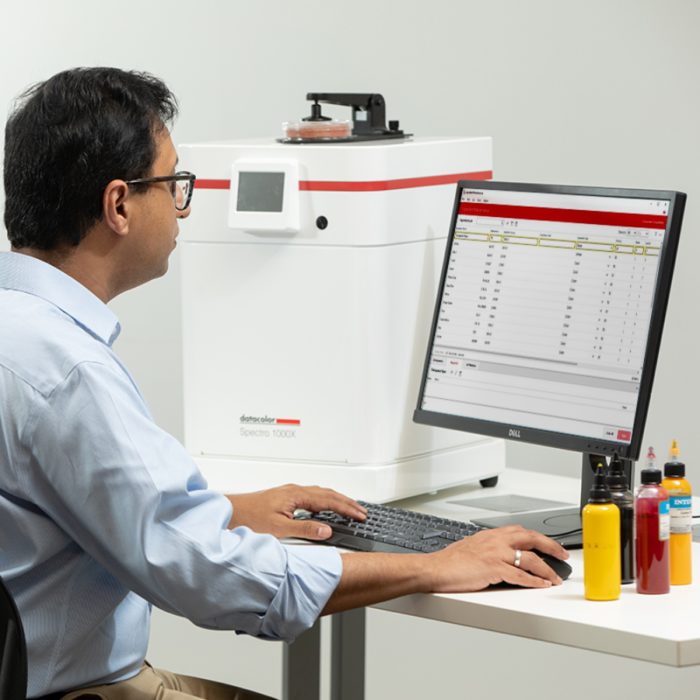
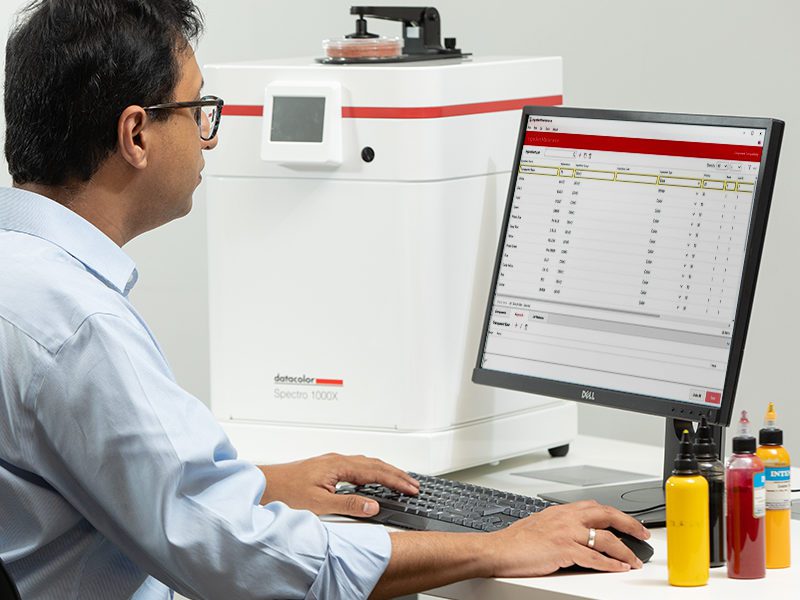
  • Unrivaled ease-of-use with “Formula Central”. Work the way you want with Formula Central, a virtual color laboratory. Match a single sample or an entire folder of standards; then correct, search, retrieve, save, scale, or change units – all on one screen – just the way you want it. Complex matching operations are now simple and intuitive to do.
  • Robust, powerful, and reliable database: Sybase database provides referential integrity, flexible data access and fast performance.

Designed For:

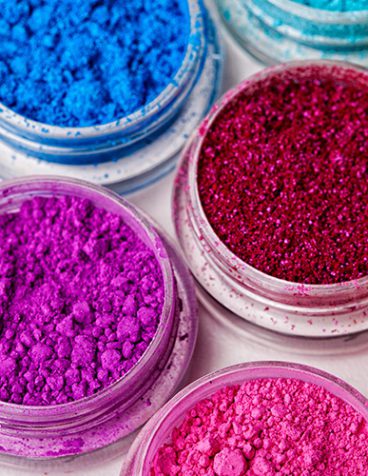
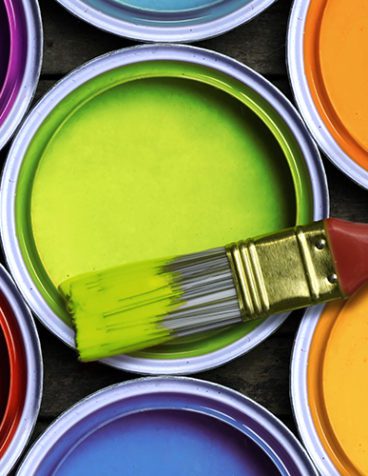
Paint, plastic, ink and cosmetics industries

Features

  • Next Generation Matching Algorithms
    Scientifically engineered algorithms provide faster, more accurate and consistent matching for opaque, transparent, and translucent materials. Optimal formulas can be produced in less time using any number of user-defined matching criteria.
  • New Exclusive SmartMatch Technology
    Match Pigment includes Datacolor’s exclusive SmartMatch capability. The software learns with each use, adapting future recipe predictions to deliver more accurate first shot matches than ever before. In conventional recipe formulation, the predictions deviate from actual behavior due to interactions between the individual pigments and due to substrate effects. SmartMatch automatically compensates for differences between a colorant’s actual and predicted behavior in a pigment mix applied to a specific substrate. In laboratory testing, with repeatable application procedures, up to 80% of the predicted recipes were found to be right-first-time with a DE < 1.
    Search-and-correct is another approach used by Match Pigment and other systems to improve recipe prediction accuracy. The limitation with that approach is the need for a large number of formulas in the database to achieve significant improvement. SmartMatch gives you significant performance gains using a small library of known recipes from practical experience.
  • Patented Wood Stain Matching
    Based on the industry leading Sybase database, Match Pigment provides referential integrity, flexible data access throughout the enterprise, and fast performance for even very large databases unlike competitive systems that use Microsoft Access. You can be assured that your mission critical color data is safe and available.
  • Robust, Powerful, and Reliable Database
    Specify BOTH color and non-color raw materials and then assign these ingredients a priority or compatibility index to be used as a matching criteria. Resulting formulas are optimized for stability, manufacturability, and any other physical properties such as FDA-Approved, Light Fastness, or Heat Resistance. Significantly reduce the time from the lab to production.
  • Unrivaled Ease-of-Use with “Formula Central”
    Work the way you want with Formula Central, a virtual color laboratory. Match a single sample or an entire folder of standards; then correct, search, retrieve, save, scale, or change units – all on one screen – just the way you want it. Complex matching operations are now simple and intuitive to do.
  • Flexible Correction Options
    Match Pigment 2.2 offers three different options for color correction. This gives users the flexibility to optimize the color correction for addition amount and/or color quality. You can also automatically find the best colorant in the formula that will reduce the DE the greatest and optimize on that colorant or look for the best colorant not currently in the formula and optimize on that colorant.
  • Smart Calibrator
    Typically, pigment calibration sets include different concentration levels for single pigments. With Match Pigment 2.2, it is now possible to include known pigment mixtures (formulas) in the calculation of optical constants. Smart Calibrator will choose the optimum method to calculate the optical constants of Pigments and Colorants, making it more convenient for the user to reach the best results for opaque, transparent, and translucent materials.
  • CR Range Matching
    This new function allows the match engine to take into consideration Contrast Ratio variations during match prediction. Operators can now set Contrast Ratio ranges to find the optimum formula within these ranges. This gives much more freedom to the program to find a better solution.
  • Production Ready Formulas
    Specify BOTH color and non-color raw materials and then assign these ingredients a priority or compatibility index to be used as a matching criteria. Resulting formulas are optimized for stability, manufacturability, and any other physical properties such as FDA-Approved, Light Fastness, or Heat Resistance. Significantly reduce the time from the lab to production.
  • New Q™ Function
    Q™ lets you match an entire palette of colors against multiple sets of matching conditions to meet your requirements for cost, hide, compatibility, and durability. Q provides intelligent automation of large scale formulation tasks. Now you can set up a run before you leave for the evening and review your optimized formulas over coffee in the morning.
  • Exclusive Product Line Maintenance
    The industry’s only Product Line facility allows you to organize ingredient and colorant set data based on manufacturers, systems, brands, and bases. Simple commands let you create and edit complex product lines even down to specific fill limits for different can sizes. This means you can roll out new products to your retail outlets in time to meet ever changing trends and customer demands.
  • Easy Data Management and Security
    Use the simple Data Navigator to store, view, organize, and secure your database in the way that works best for your business. This means that there is no data management learning curve for you or your lab. You can start up faster and finish sooner.
  • Full Network and Terminal Server Compatibility
    A wide range of networking options including terminal server allow you to share data with employees, contractors and partners based on a single database for simplified corporate-wide deployment. MATCH PIGMENT conforms to your IT requirements and scales as your business grows.
  • New, Flexible Gloss Compensation Function
    Datacolor’s proprietary algorithm lets you adjust match or correction formulas based on the specular gloss difference between the target color and the product. Now, you can even define your own gloss compensation table. This means that you can quickly create new formulas across a range of different gloss levels for your own materials.
  • Reduce Waste with Recycling
    Reduce Waste with Recycling Match Pigment’s Automated Material Recycling feature lets you slash disposal and inventory costs by reworking overruns, leftovers and returns more easily than ever before.
  • Full QC Package Included
    The industry-leading Datacolor Tools software is included with every system for simple, textured or photographic on-screen color previews, and a full compliment of color QC and analysis tools. This means you do not need to purchase any additional software for your color laboratory.

Datacolor Match Pigment, three Features Levels:

  • Datacolor Match Pigment PLUS
    Our “premiere” full-featured offering which now includes the New Exclusive SmartMatch Technology.
  • Datacolor Match Pigment
    A powerful basic system including Datacolor TOOLS entry level
  • Datacolor Match Pigment PLUS Workstation
    Economical alternatives for shared database, terminal server or multiple system deployments, workstations provide all the color matching and formula management power of their parent products without the expense of colorant calibration and administrative modules.

Component Minimum (see note 1) Recommended Minimum Notes
Processor 1 GHz 32-bit (x86) 2 GHz Dual Core 1
Memory 1 GB 2 GB 1
Free Hard Drive Capacity 80 GB 250 GB 1
Video Resolution 1024×768 16-bit 1024 x 768 True Color 2
Video Memory 8 MB 128 MB 2
DVD Drive DVD Reader DVD Reader/Writer 3
Diskette Drive See Note #4
Available Ports (1) RS-232 Serial
(1) USB
(1) RS-232 Serial
(3) USB
5
Printer Port Parallel or USB Parallel or USB Parallel or USB Parallel or USB 5
Operating System 32 Bit Windows® XP Pro, SP 3 Windows® XP Pro, SP 3
Windows Server 2003, SP1
6
Operating System 64 Bit Windows® Vista Windows® 7 Pro, SP1
Windows® Server 2008 R2
7

*Notes:

1) Minimum system configurations may limit performance, data capacity and operation of some features. Faster processor, more memory and faster hard drives will significantly enhance performance.

2) Accurate on-screen color display requires monitor calibration and true-color video mode.

3) Datacolor MATCH PIGMENT™ is supplied on a DVD disk. Recommend a DVD writer for data backup and file transfer from stand-alone systems.

4) Some legacy instrument calibration media are high-density (1.44MB) 3.5” diskettes.

5) Datacolor spectrophotometers use either an RS-232 Serial or USB connectors. Datacolor Spyder™ requires a universal serial bus (USB) connection. Printer port requirements (Parallel or USB…) depend on the specific printer selected.

6) Microsoft Windows® Vista® and Windows 7 are fully supported for new installations. Help file may require specific installation and configuration, contact Datacolor support for instructions or latest details.

7) Windows 64 bit operating system is supported. Windows Server 2008 R2 is supported.

Software

Datacolor Match Pigment Feature Comparison

Datacolor Match Pigment Datacolor Match Pigment PLUS WS Datacolor Match Pigment PLUS
Integrated Datacolor TOOLS Plus version for Quality Control
Yes
Yes
Integrated Datacolor TOOLS (Basic) version for Quality Control
Yes
Templates and Configuration by Example
Yes
Yes
Yes
Data Navigator with Explorer-like database views
Yes
Yes
Yes
Configurable Formula Scoring and Sorting
Yes
Yes
Yes
Configurable Matching Optimizer Goal
Yes
Yes
Yes
One-click Color Match / Auto-Formulate
Yes
Yes
Yes
One-click Formula Correction
Yes
Yes
Yes
Manual Matching & Correction with “What If” scenarios
Yes
Yes
Yes
Contrast Ration Range Matching
Yes
Yes
Yes
Formula Search / Search & Correct (by folder, database, substrate …)
Yes
Yes
Yes
Flexible Correction Options
Yes
Yes
Yes
Combinatorial Matching (full or with combination profiling)
Yes
Yes
Yes
Expanded SmartMatch Technology
Yes
Yes
Multiple Matching Models: Transparent, Transmission, Translucent, Opaque
Yes
Yes
Yes
Gloss Compensation
Yes
Yes
Yes
Concentrate Scaling (one-click toggle from concentrate to converter mode)
Yes
Yes
Yes
Colorant Calibration and Set Administration
Yes
Yes
Smart Calibrator
Yes
Yes
User and User Group Permissions by Data Location and Type
Yes
Yes
Yes
Administrator-Only Access to Sensitive Programs and Functions
Yes
Yes
Yes
Network-ready Database – Database Server Included
Yes
Yes
Yes
Fractional Parts Definition and Formula Display
Yes
Yes
Navigator Quick Select, Filter by Name
Yes
Yes
Copy Colorants Samples/Formulas to Folder
Yes
Yes
Combined Colorant Calibration / Optimized Colorant Calibration
Yes
Yes
Use % Transmission or %R over trap as second target or opacity spec
Yes
Yes
Match Transmitted and Reflected color or spectra simultaneously
Yes
Yes
Queue Maintenance and Match Queue
Yes
Yes
Matching from Color Coordinates (CIELAB or Tristimulus)
Yes
Yes
Ingredient Priority Values
Yes
Yes
Ingredient Compatibility Values
Yes
Yes
Scheduling
Yes
Yes
Queue Function (Queue Maintenance, Queue Matching, Queue Viewer)
Yes
Yes
Formula export to Excel
Yes
Yes
Data Exchange to Datacolor Paint databases
Yes
Yes
Product Line Maintenance
Yes
Yes
Product Line Import/Export
Yes
Yes
Auto-Base select
Yes
Yes
Matching across colorant sets
Yes
Yes
Easy Match
Yes
Yes
Pearl® Constraints for Metallic, Effect, Interference Color Matching
Yes
Yes
Business Unit information and filters
Yes
Yes